
Say it in words: the platform prepares, you confirm
In short: the Digivents AI connector uses the open MCP protocol (Model Context Protocol) to connect a compatible AI assistant, such as ChatGPT or Claude, to your event. Organisers ask in plain language — “how many have checked in?” — or give instructions — “pair the attendees in double rooms”, “generate a B2B meeting agenda between exhibitors and attendees” — and the assistant answers or prepares the work.

Ask in plain words
Attendees, check-in, agenda, meetings, hotels and rooms: questions in natural language, no filters or exports.
Figures, never people
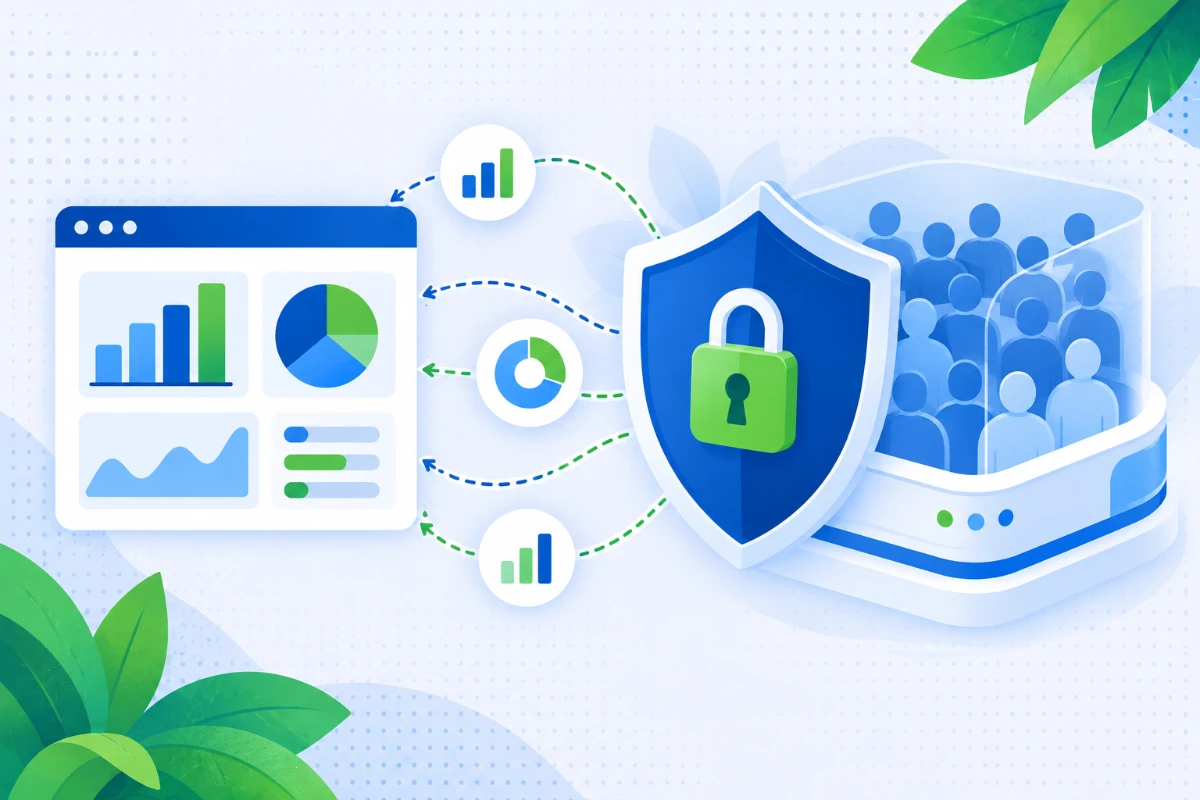
The connector answers with figures and statistics, never with attendee data, which stays in the platform in compliance with the GDPR and the AI Act.
Your confirmation is required
Your instructions always generate a proposal that changes nothing. Changes are applied only after your yes (and you can undo them and go back to the snapshot taken before the changes).
What it can do
It helps event managers get information or carry out event-office tasks by delegating the operational work to artificial intelligence (AI) tools. The MCP connector works on the real event data: the same data used by registration, agenda, matchmaking, travel & accommodation and check-in.
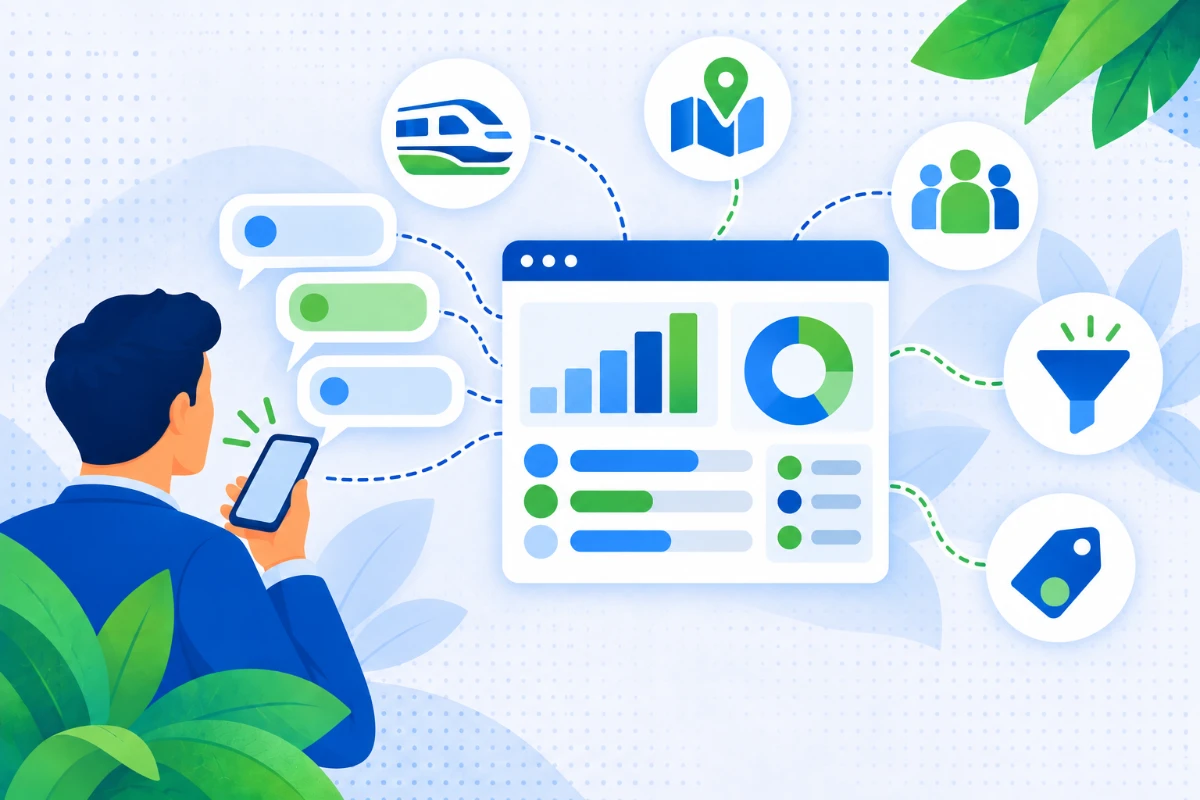
The questions you ask every day, in plain words
Instead of setting filters and exporting lists just to count, ask.
- How many users are registered or confirmed
- How many belong to the OVERNIGHT group
- How many are travelling by train from Rome
Ask: “How many are travelling by train from Rome?”
Ask: “Which custom fields and groups exist?”
Rooms and hotels, without opening the planner
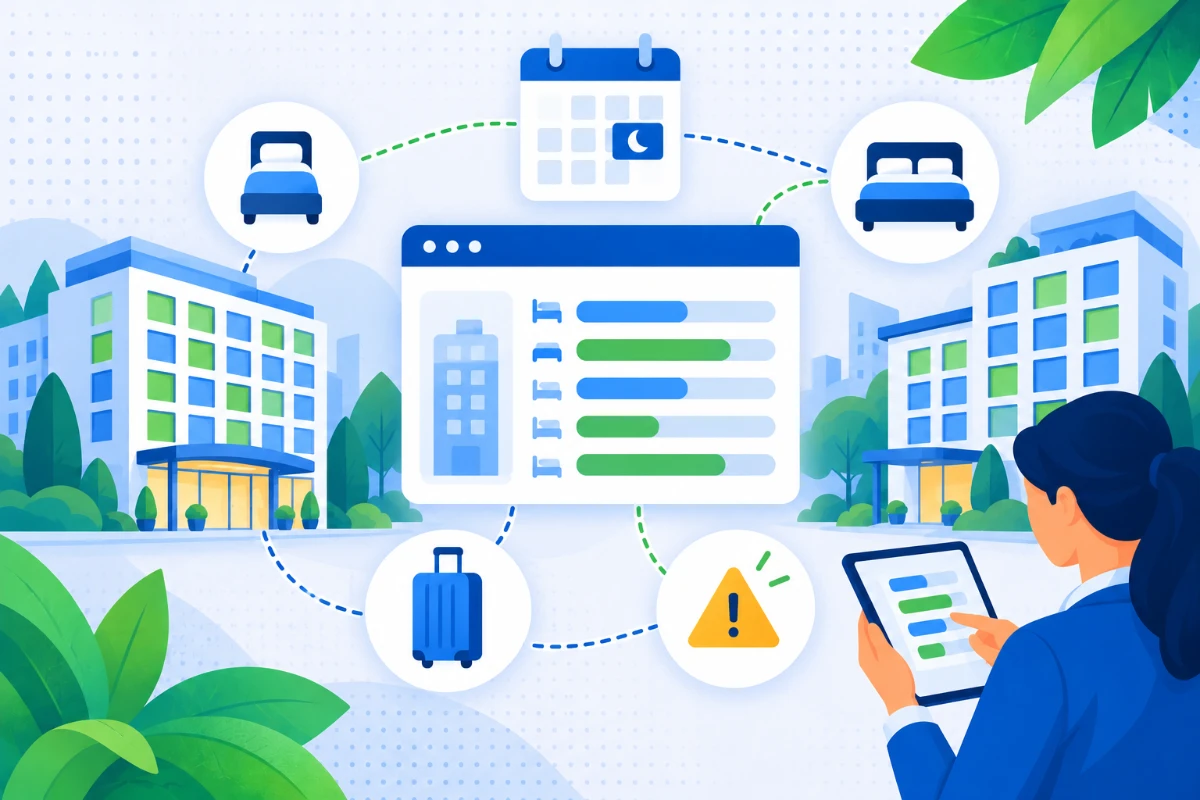
Availability and occupancy of the accommodation, night by night.
- How many rooms are available on a given night
- Availability and occupancy by hotel
- How many doubles for single use, twins and singles are left
- Whether any hotels are overbooked
Ask: “How many rooms are available on the night of 10 September?”
Ask: “Are any hotels overbooked?”
Rooms assigned with one sentence
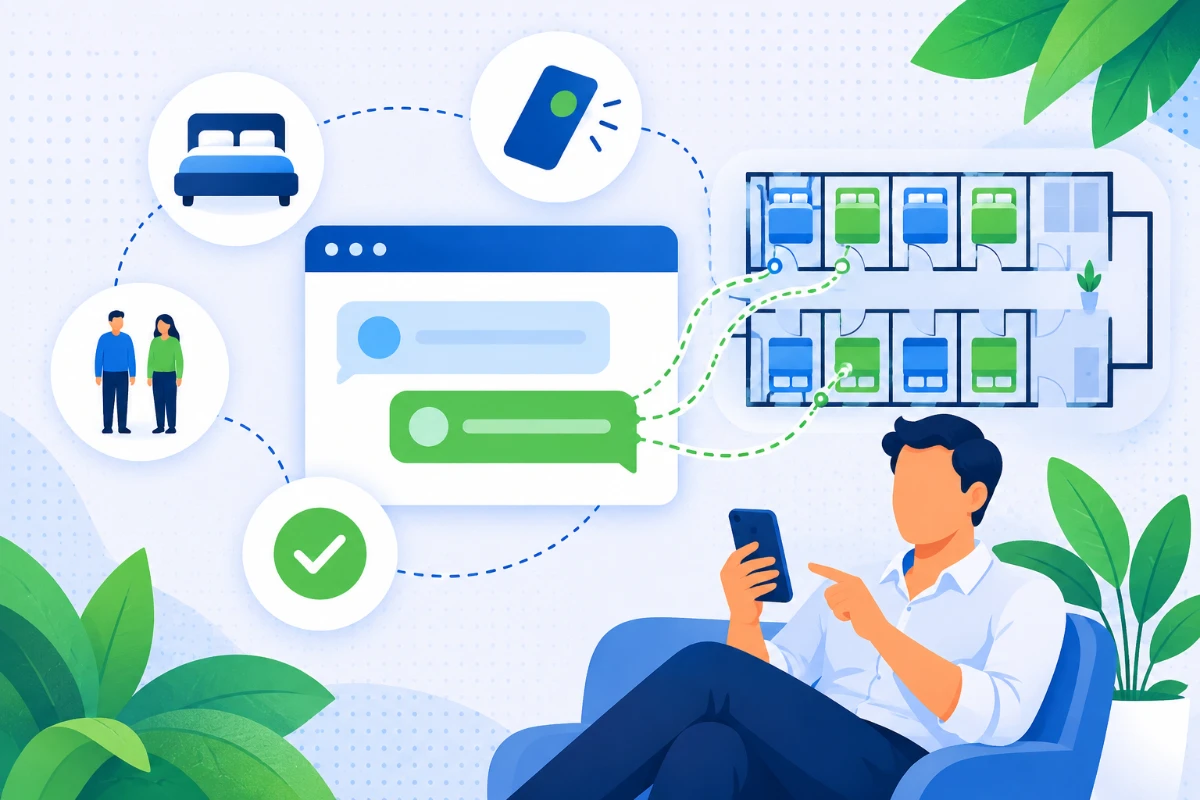
The use case we come across most often: pairing people in double rooms according to precise rules, in bulk, without hours spent on a spreadsheet.
- Pair by the same value in a field, for example gender
- Exclude a group, such as VIPs or management, or consider only a specific group
- Propose rooms for people who don’t have one yet, or pairings for people alone in a double
Ask: “Handle the double-room pairings between people of the same gender, except management, who will sleep in a double for single use.”
The AI doesn't act blindly on your event data
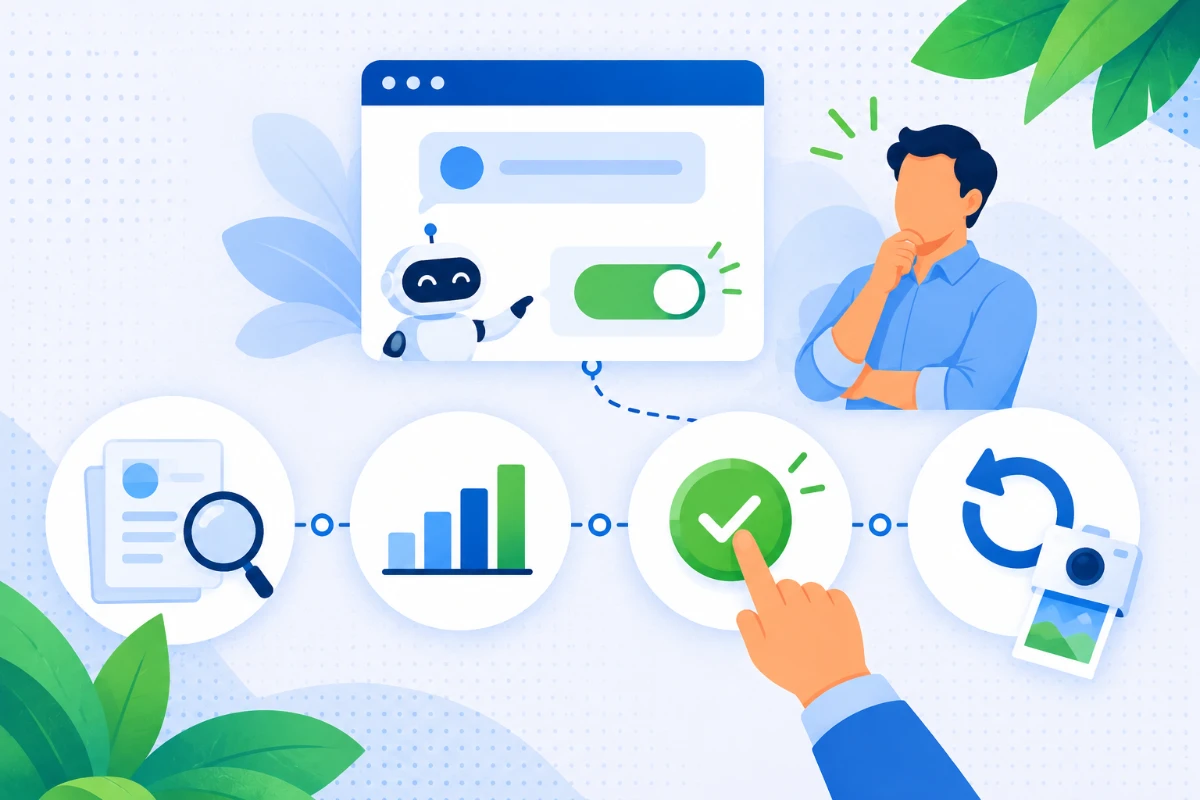
Everyone’s first objection is: what if it gets it wrong? Our AI flow is designed exactly for that.
- Proposal: changes nothing
- Confirmation: you decide, then it’s applied
- Undo: ask the assistant and it’s done.
The assistant: Assignment proposal generated with 52 assignable double rooms. Shall I go ahead with the changes?
You: check the pairings in the platform and give the go-ahead.
The assistant: Operation completed. To undo it, ask me to restore snapshot no. 6.
Figures and statistics, never attendee data
Connecting an AI assistant to event data raises a fair question: what does it see? The connector answers with figures and statistics, never with attendee data. The assistant can tell you how many are travelling from Padua, not who. People’s details stay in the Digivents platform.
- Counts: how many registered, confirmed, checked in, in a group
- Statistics: check-in, seats, rooms, occupancy
- Structure: which fields are managed in the attendee records?
Ask: “How many are travelling from Padua?”
Answer: a number. Who they are, you see in the platform.
How many are in, right now
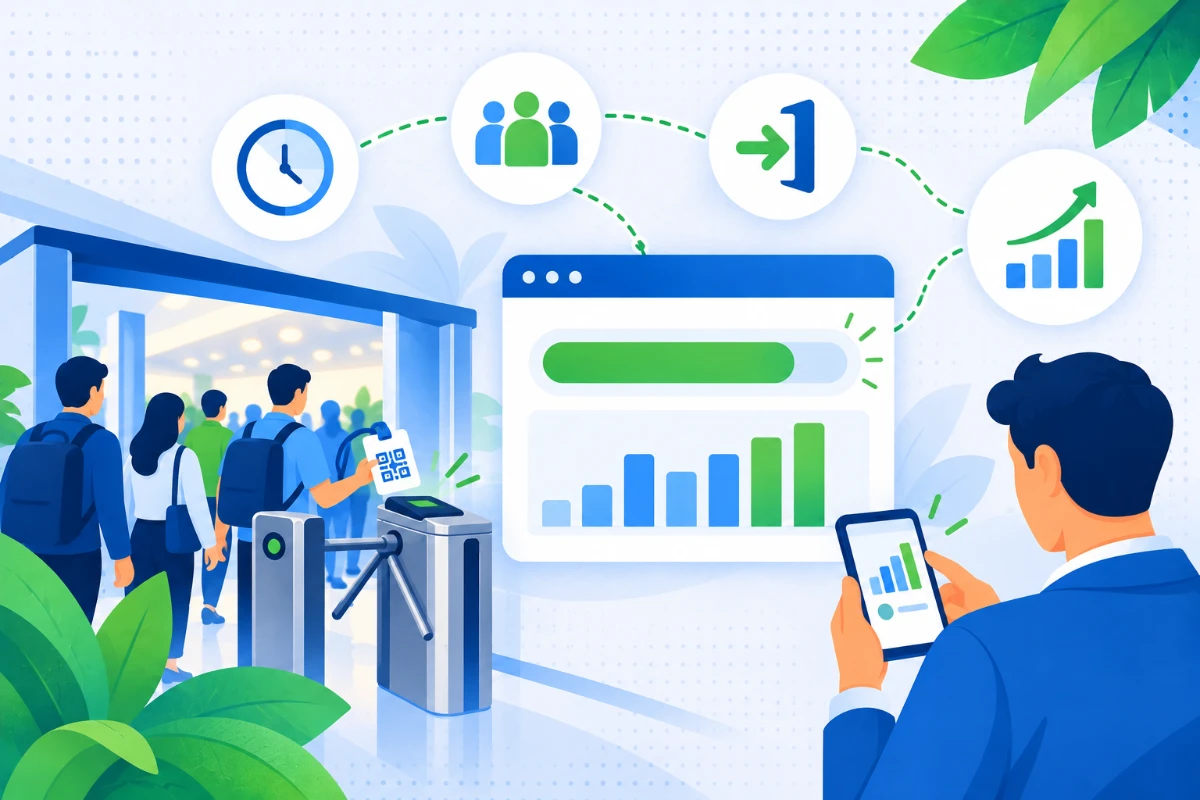
During the event, questions are operational and urgent. Instead of hunting for the right report, you ask the assistant.
- How many people have come through a gate
- Check-in statistics over a date range
- Room capacity in real time
Ask: “How many people have come through the main gate?”
Search the agenda, check the seats
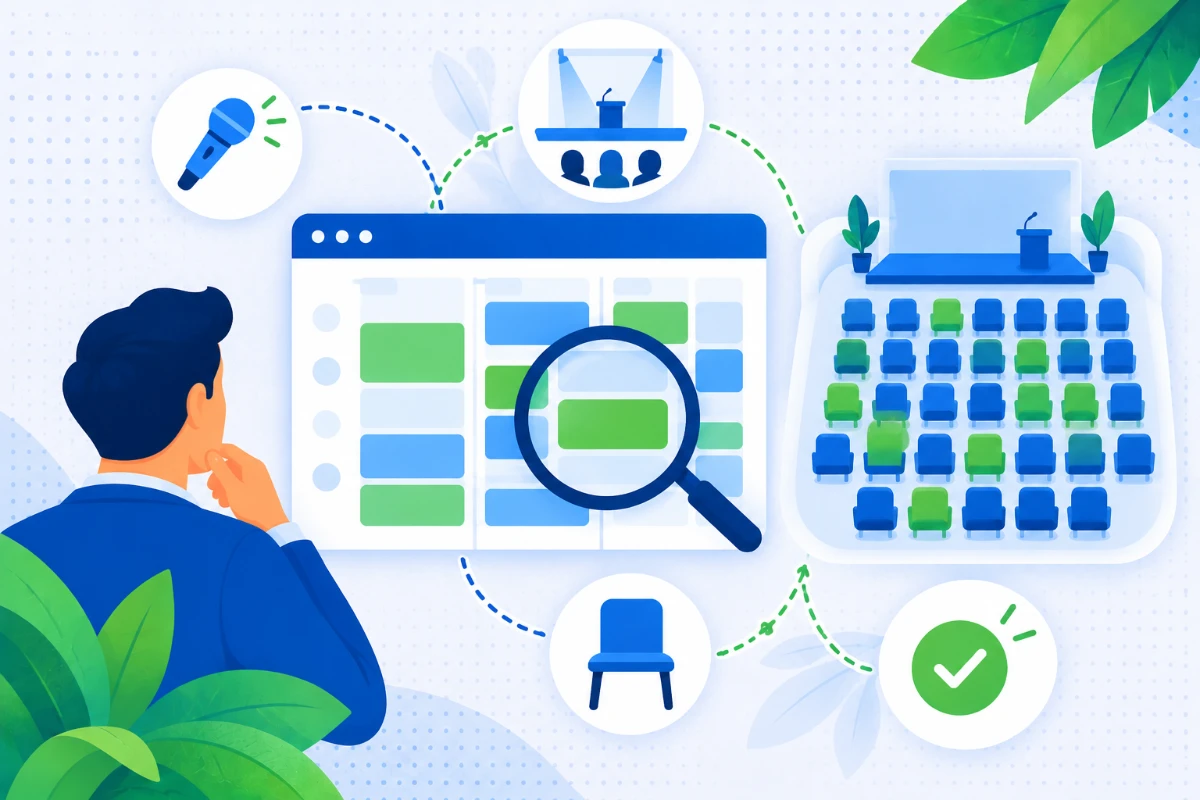
The programme can be queried in plain words, without opening one session at a time.
- The event programme
- Search sessions by topic
- Bookable sessions and seats left
Ask: “Search the agenda for sessions on cybersecurity.”
Ask: “Which sessions can be booked?”
Frequently asked questions
What is MCP?
MCP (Model Context Protocol) is an open protocol that lets an AI assistant use external tools and data in a structured way. The Digivents connector uses it to connect the assistant to your event.
Which AI assistants does it work with?
With MCP-compatible AI assistants (for example ChatGPT and Claude). Which one to connect is something we check with you during activation, based on the tools you already use.
What data does the AI assistant receive?
Figures and statistics, never attendee data: how many are registered, how many have checked in, how many rooms are left, how many seats a session has. People’s details stay in the Digivents platform, which is ISO/IEC 27001:2022 certified: details in Security & certifications.
Can I see in the chat who is sharing a room with whom?
No. After an assignment the assistant gives you the summary in figures — how many rooms, how many people, how many bookings — never the names. The pairings, with names, are in the Digivents platform.
Can the assistant change the event data?
For rooming, yes, always along the same path: proposals change nothing, a bulk assignment is applied only after you confirm and creates a snapshot that lets you undo it: you ask the assistant itself, with “Show me the available snapshots” and then “Undo by restoring snapshot …”. Queries don’t change anything.
How is it different from the AI virtual assistant?
The AI virtual assistant answers attendees, in chat and on the phone. The AI connector (MCP) is for organisers and works on the event data. You’ll find both in AI for events.
Is it available yet?
The connector is in beta: we are activating it with a limited number of organisers. If you’d like to try it on your next event, request beta access.
Try it on your next event
The connector is in beta: tell us how you organise and we’ll see if it’s a fit.
We'll get back to you within one business day.